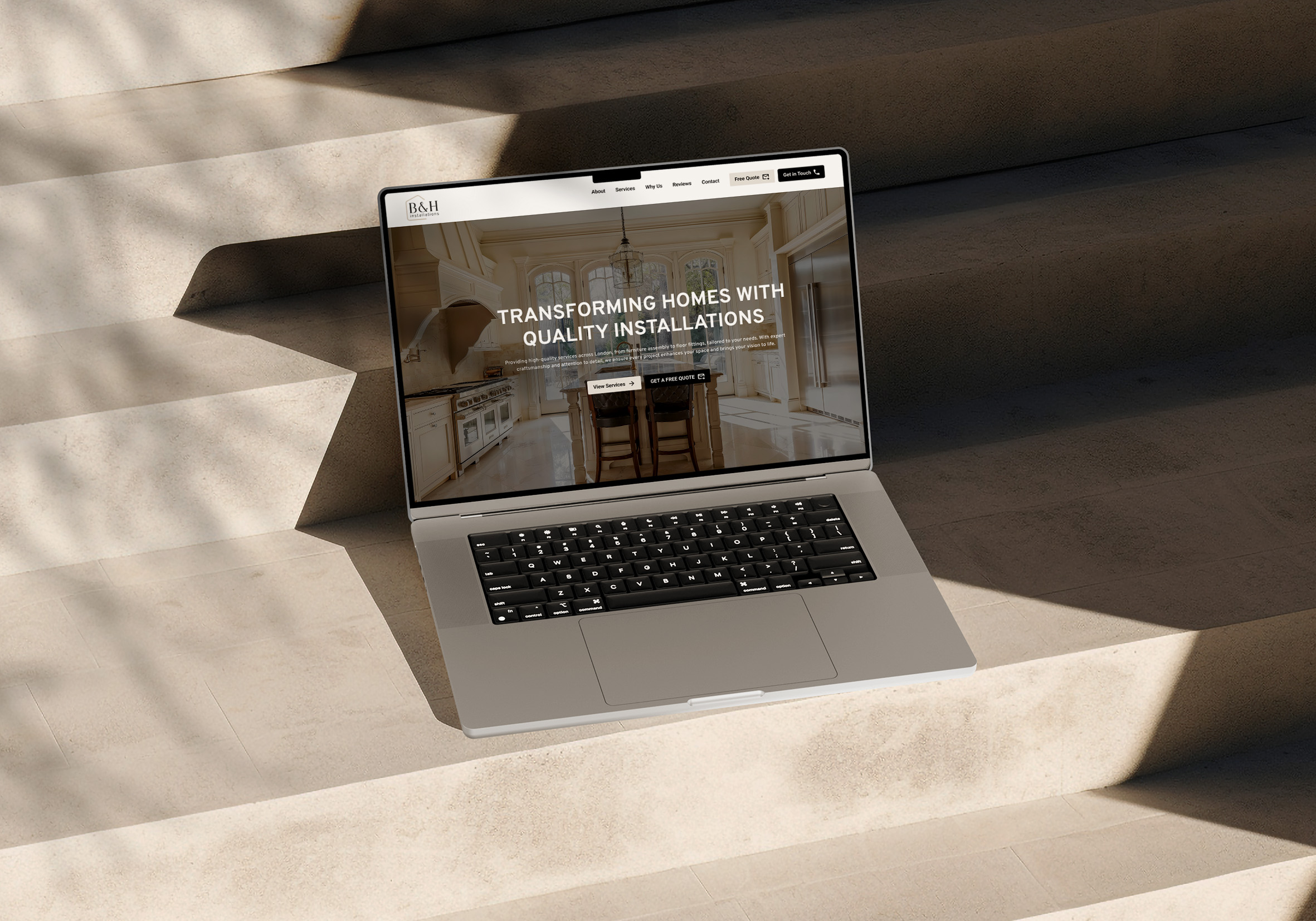
For most small and growing service businesses, Webflow is the better fit: you get full design control, hosting and security included, and no plugins to keep patched. WordPress is the stronger choice when you need a very specific plugin or have a developer maintaining the site.
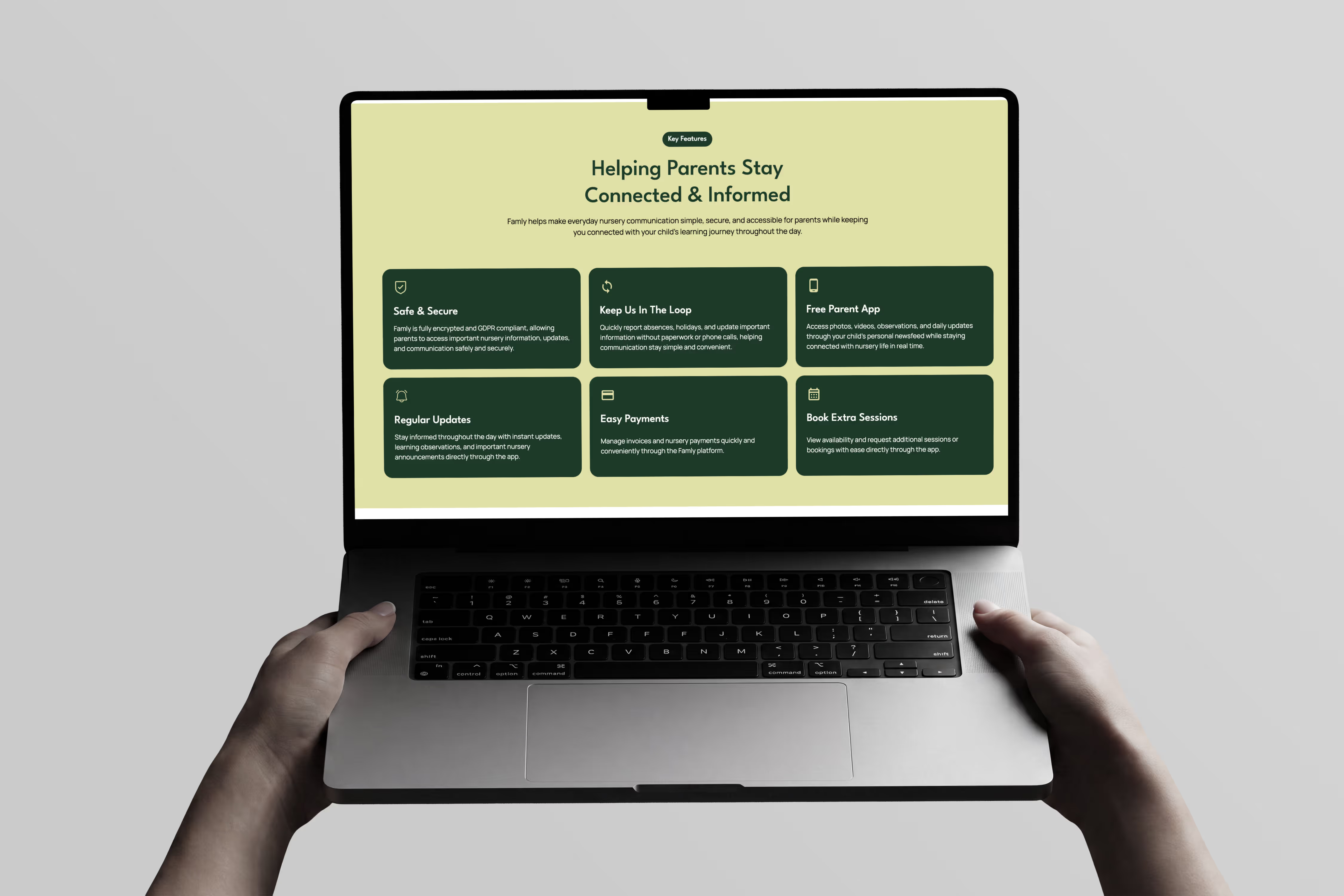
WordPress is the most widely used website platform, with thousands of themes and plugins for almost any feature you can think of. If you need a very specific piece of functionality, or you have a developer who looks after the site, that flexibility is a real advantage.
Webflow gives you the design freedom of a custom build without the upkeep. There is no stack of plugins to update, no separate hosting to manage and no compatibility problems when something changes. Your team can edit text, images and pages without touching the layout, and the built-in CMS handles content such as case studies, services and blog posts well.
The difference is in the structure rather than a single number. WordPress software is free, but you pay separately for hosting, premium themes and plugins, plus the time or developer fees needed to keep it updated and secure. With Webflow, hosting and security sit within your Webflow subscription, which you pay directly to Webflow once your website is in your own account.
The cheapest platform on day one is not always the cheapest to own. Count the upkeep as well as the build.
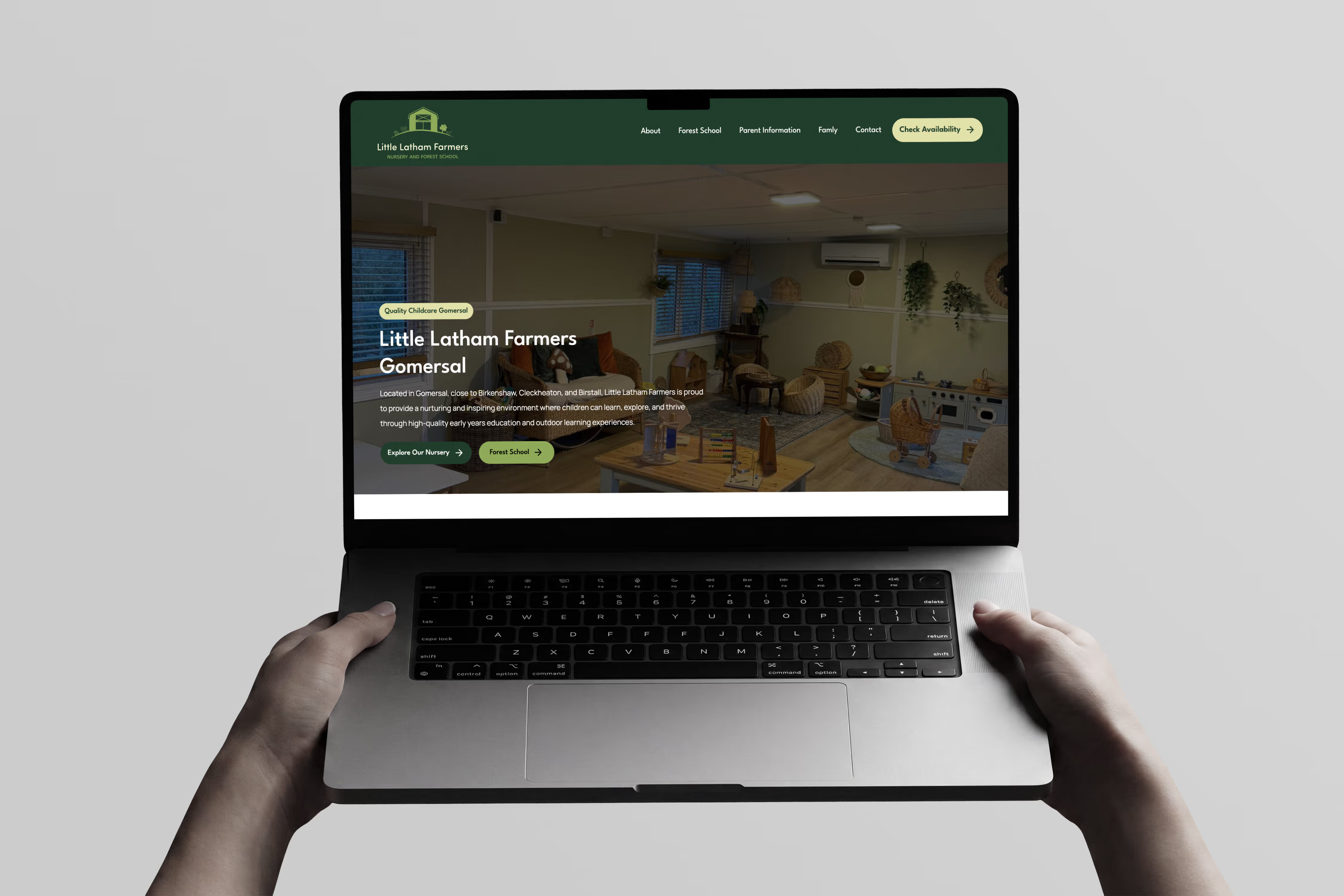
Yes. If your current website is on WordPress, it can remain live while we create its replacement in Webflow. We review your existing website and SEO, transfer the agreed page content and support the transition when your new website is ready to launch. We did exactly this with Little Latham House, which we completely revamped after it moved from WordPress. If you are weighing up a wider choice, our guide to choosing a website platform compares the other options too.
It depends on what you need. WordPress has the biggest ecosystem of plugins and themes, but that means managing hosting, updates and security yourself or paying someone to. Webflow includes hosting and security and gives you full design control without plugins, which is why it suits most small and growing service businesses.
It depends on what you need. WordPress software is free, but hosting, premium themes, plugins and ongoing maintenance all add to the cost. Webflow bundles hosting and security into your subscription. The cheaper option is the one that fits your goals and the upkeep you are willing to take on.
Yes. Both give you control over page titles, meta descriptions, URLs and sitemaps, and Webflow does it without extra plugins. Results still depend on the quality of your content and structure, not the platform alone.
Not if the move is planned. We review your existing website and SEO, carry over the agreed content and set up basic redirects for agreed core pages where required, so you keep as much search visibility as possible.
Yes. Webflow has a bit more of a learning curve, but every Webflow project includes a personalised tutorial walkthrough so you know exactly how to manage your specific site, plus two weeks of free tech support after launch.
Thinking about moving from WordPress? Book a free discovery call and we will review your current website and tell you honestly what is worth changing.

Ready to enhance your digital presence, get more clients and build a brand that feels clear, confident, and built to support your next stage of growth? Get in touch today!